







✨ An intelligent agent that understands your code and crafts perfect Git artifacts ✨
📖 Documentation • Installation • Quick Start • Studio • GitHub Action • Contributing
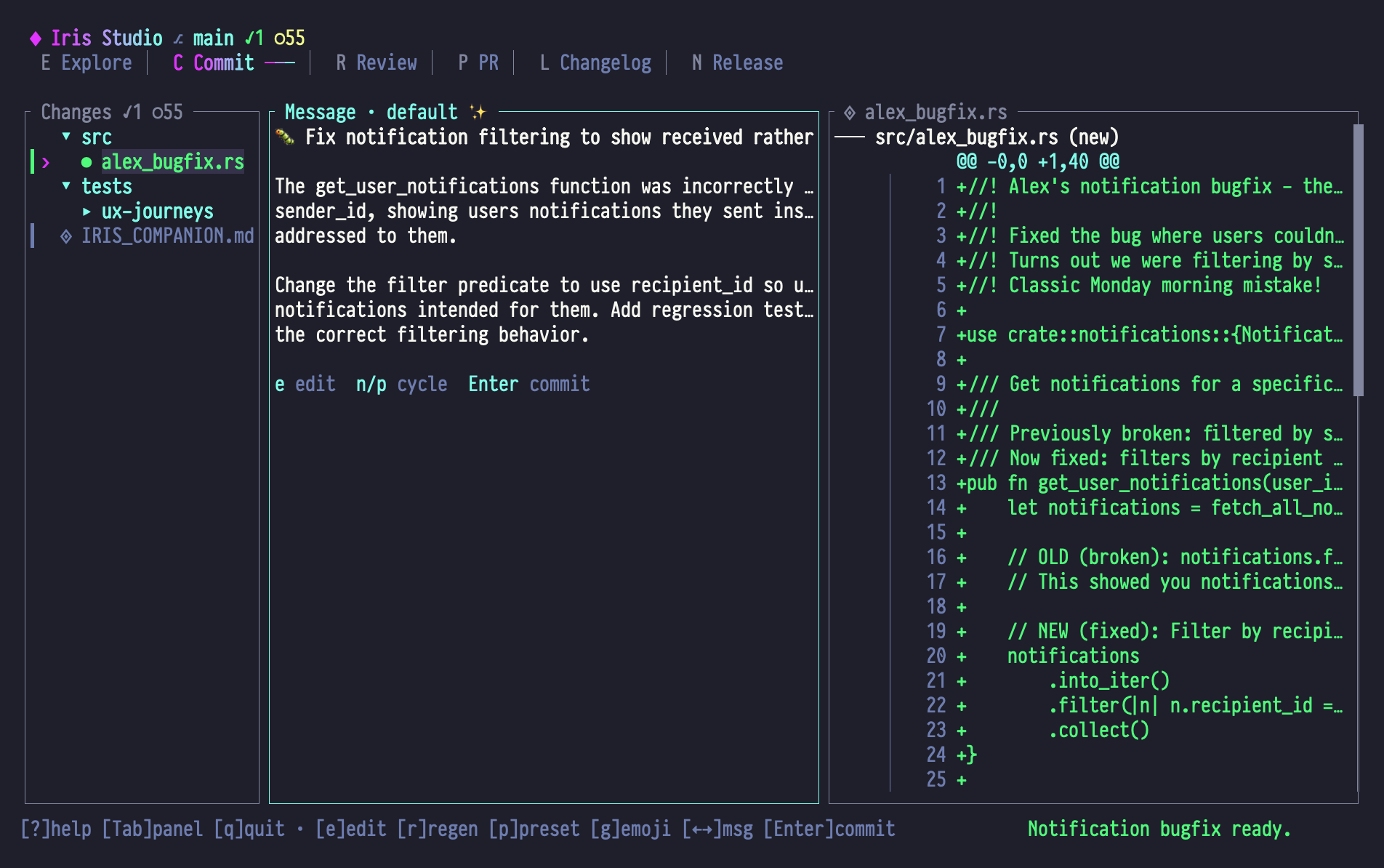
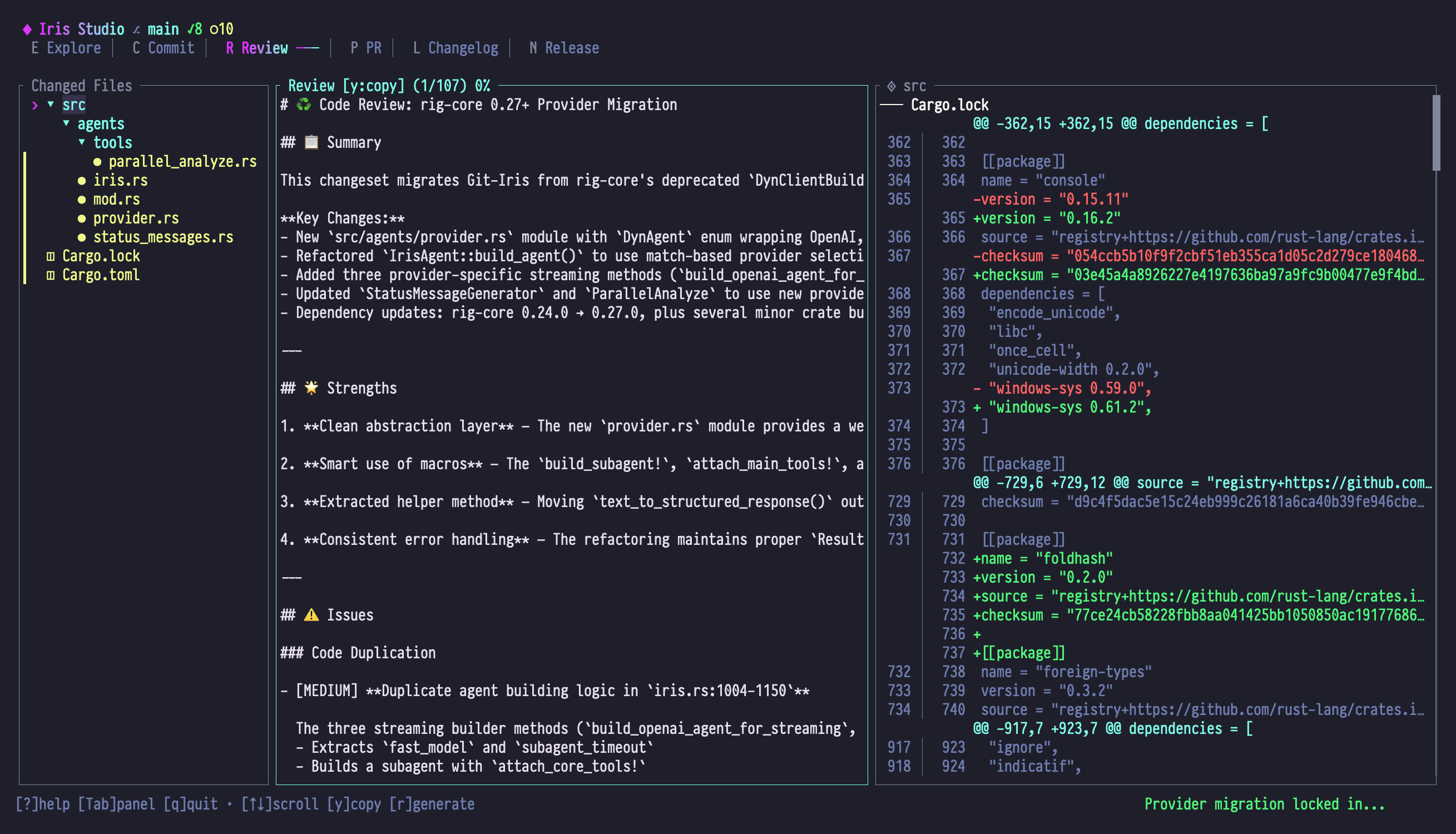
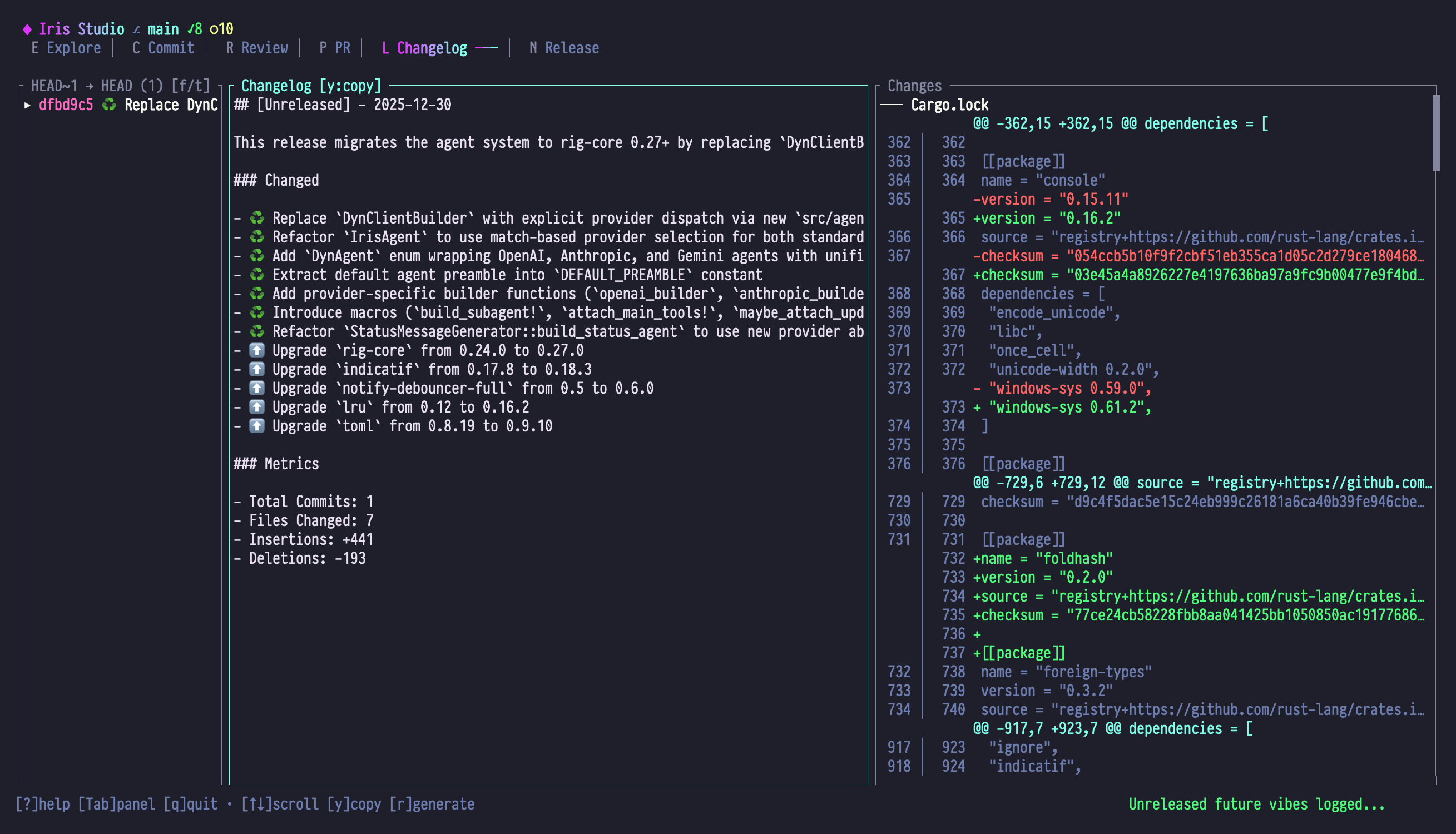
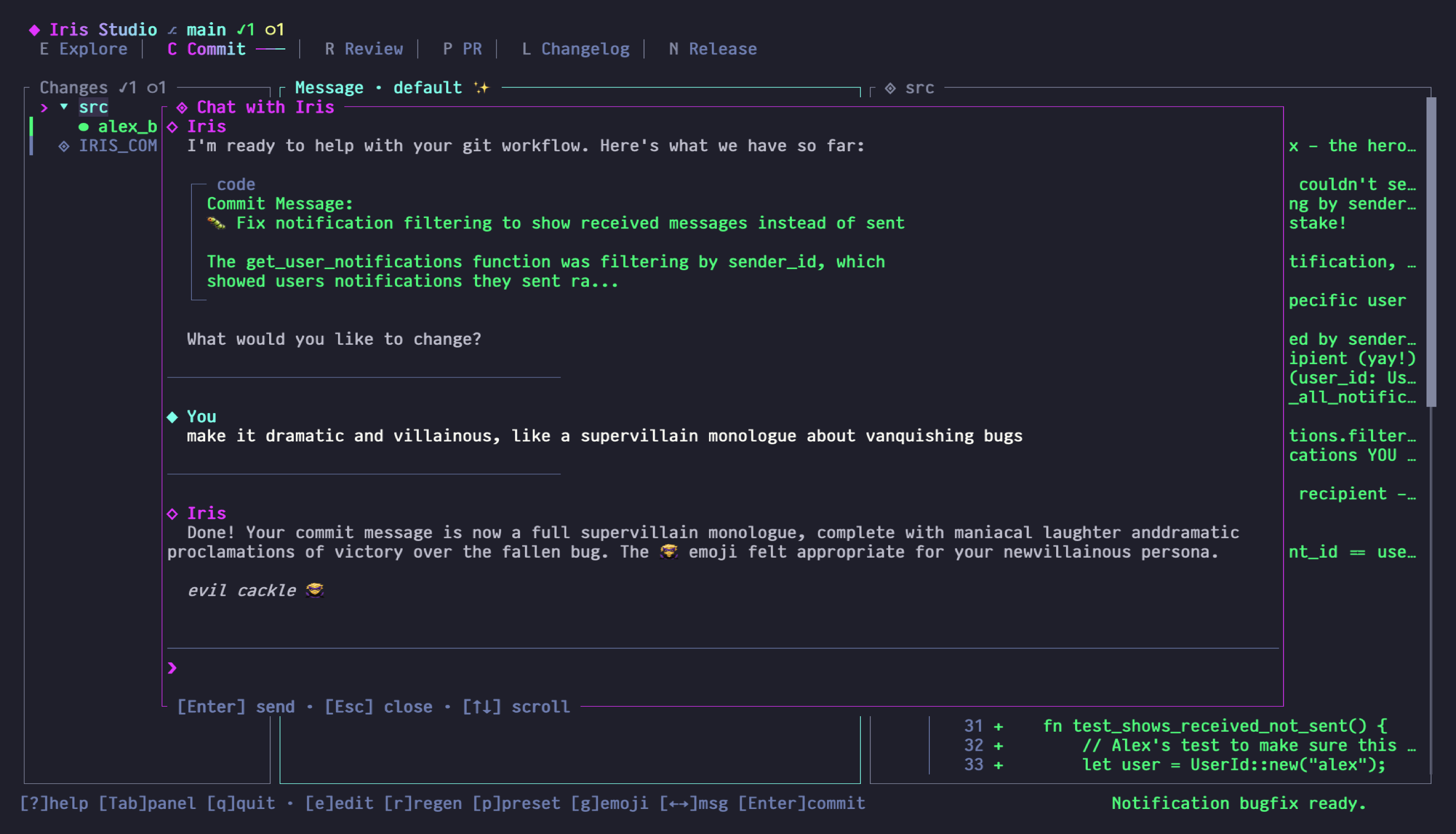
Iris crafting commit messages, reviewing code, generating changelogs, and chatting about your changes
Git-Iris is powered by Iris, an intelligent agent that actively explores your codebase to understand what you're building. Rather than dumping context and hoping for the best, Iris uses tools to gather precisely the information she needs—analyzing diffs, exploring file relationships, and building understanding iteratively.
| Capability | Description |
|---|---|
| ✍️ Commit Messages | Context-aware messages that capture the essence of your changes |
| 🔬 Code Reviews | Multi-dimensional analysis covering security, performance, and best practices |
| 📜 Pull Requests | Comprehensive PR descriptions for branches or individual commits |
| 🗂️ Changelogs | Keep a Changelog format with intelligent categorization |
| 🎊 Release Notes | User-focused documentation highlighting impact and benefits |
| 🔭 Semantic Blame | Ask "why does this code exist?" and get real answers |
Studio is a stunning terminal interface built with the SilkCircuit Neon design language that brings everything together. Press / to chat with Iris, ask her to refine your commit message or explain changes—she can update content directly through intelligent tool calls!
curl -fsSL https://raw.githubusercontent.com/hyperb1iss/git-iris/main/install.sh | shbrew tap hyperb1iss/tap
brew install git-iriscargo install git-irisdocker pull hyperb1iss/git-iris:latestDownload pre-built binaries from GitHub Releases for Linux (x64/ARM64), macOS (ARM64), and Windows.
Then configure your AI provider:
git-iris config --provider anthropic --api-key YOUR_API_KEYSupports OpenAI, Anthropic, and Google. See the Configuration Guide for details.
git-irisThat's it. Studio auto-detects your context and suggests the right mode.
git add .
git-iris gen              # Interactive mode
git-iris gen --print      # Just print the message
git-iris gen -a # Auto-commit with generated messagegit-iris review # Review staged changes
git-iris review --from main --to feature # Compare branches
git-iris review --commit abc1234 # Review specific commitgit-iris changelog --from v1.0.0 --update # Update CHANGELOG.md
git-iris release-notes --from v1.0.0 # Generate release notesgit-iris pr --from main --to feature-branchAutomate release notes and changelogs in your CI/CD:
- name: Generate release notes
  uses: hyperb1iss/git-iris@v1
  with:
    from: v1.0.0
    to: v1.1.0
    api-key: ${{ secrets.OPENAI_API_KEY }}
    output-file: RELEASE_NOTES.md
See the GitHub Action documentation for all options.
Full documentation is available at hyperb1iss.github.io/git-iris
- 🚀 Getting Started — Installation, configuration, quick start
- 🌌 Studio Guide — Master the TUI, modes, and chat
- 📖 CLI Reference — All commands and options
- 🏗️ Architecture — How Iris works under the hood
We welcome contributions! Please see CONTRIBUTING.md for details.
Distributed under the Apache 2.0 License. See LICENSE for more information.
📚 Documentation · 🐛 Report Bug · 💡 Request Feature
Created by Stefanie Jane 🌠
If you find Git-Iris useful, buy me a Monster Ultra Violet! ⚡️
