Retype your code as it should be.
- Retype your existing code by just pressing random keys on the keyboard.
- Adjust your typing speed, either to make it more convincing or more hacker-like.
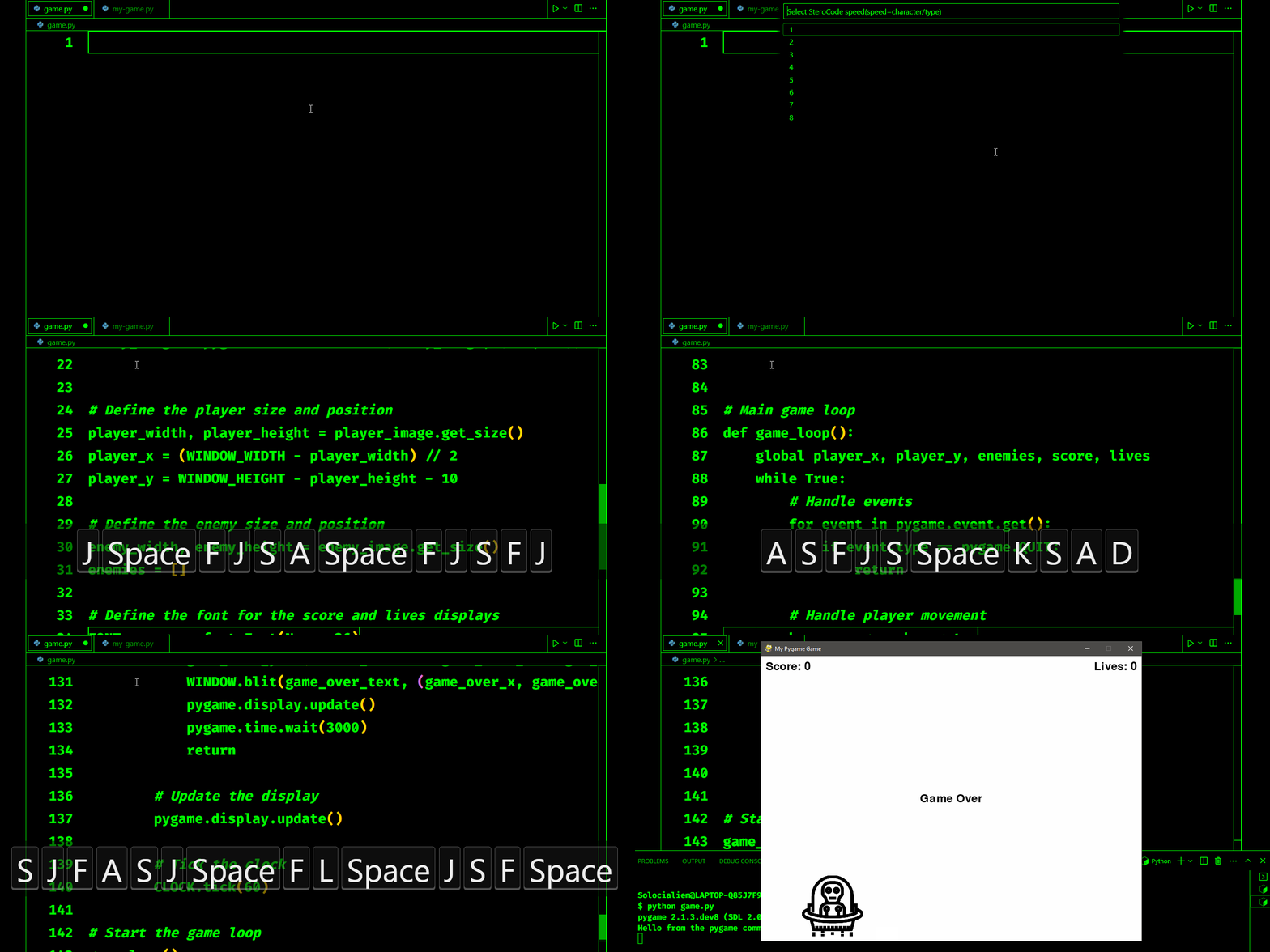
- Press
Ctrl+Shift+Pto open the command palette. - Find the
Run SteroCodecommand and execute it by pressing Enter or clicking it. - window for choosing a reference file will show up. A reference file is a file that will be used as a reference for our extension.
- Choose your typing speed (words/typing).
- Then just press random keyboard keys on the active text editor, and the output will be your file reference instead of random keyboard keys.
- To execute the
Run SteroCodecommand again, you need to reset the extension state. You can do it by restarting the VS Code window, restarting the VS Code app, or running theReload SteroCodecommand.
- When activating the
Run SteroCodecommand, you can choose your preferred speed. - To use the
Run SteroCodecommand again, you need to you need to reset the extension state. You can do it by restarting the VS Code window, restarting the VS Code app, or running theReload SteroCodecommand.
- Remember to stop your typing before the end of the code. There is only a 2-second delay that will save you from your own embarrassment of typing random keyboard keys.
- To execute the
Run SteroCodecommand again, you need to reset the extension state. You can do it by restarting the VS Code window, restarting the VS Code app, or running theReload SteroCodecommand. - This extension was only tested on Windows 10. Other operating systems may have issues that I haven't discovered yet.
- Typing speed might be inconsistent.
Initial development of "On SteroCode"